Gimme Golf: indoor golf bookings, made for more ways to play.
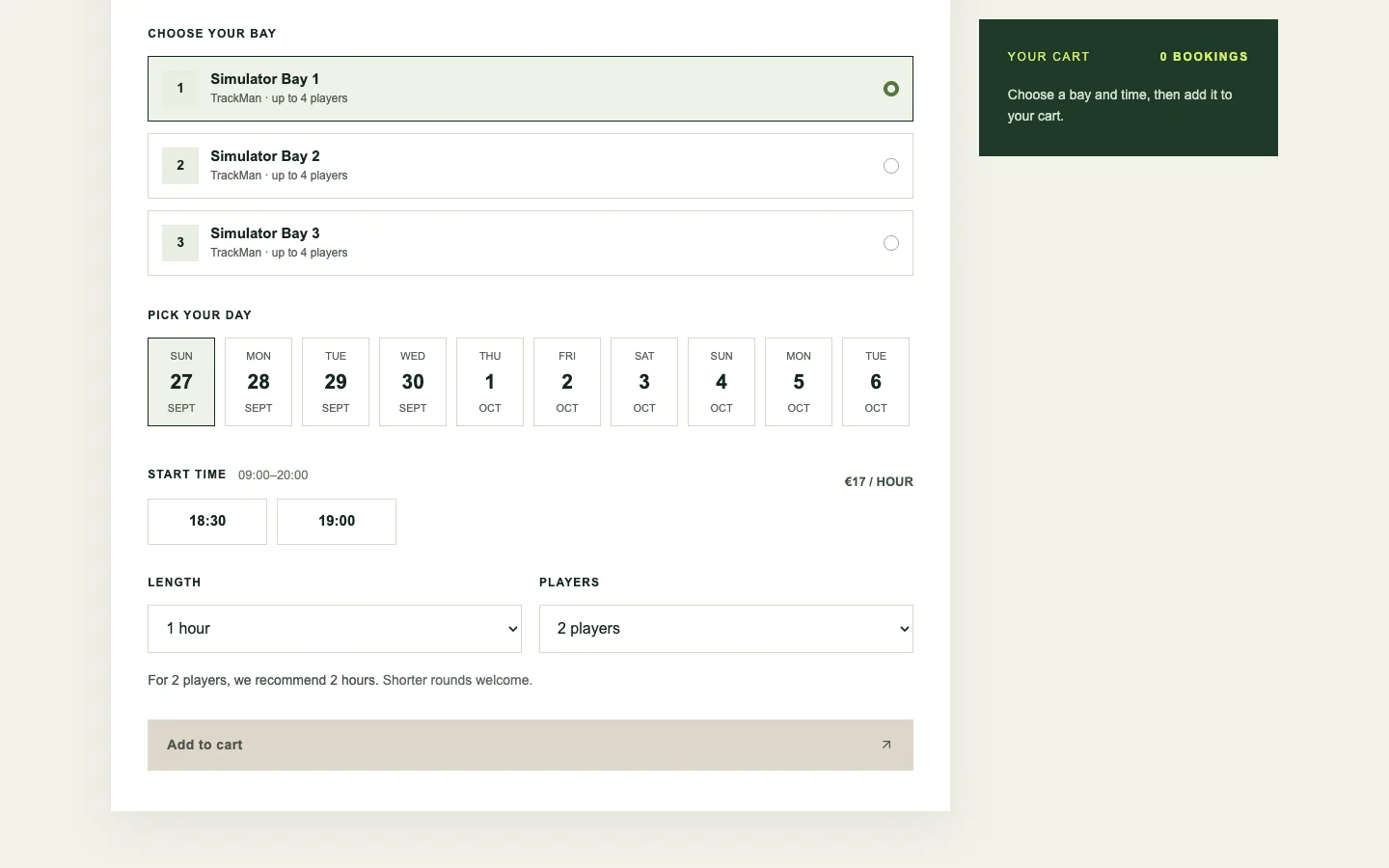
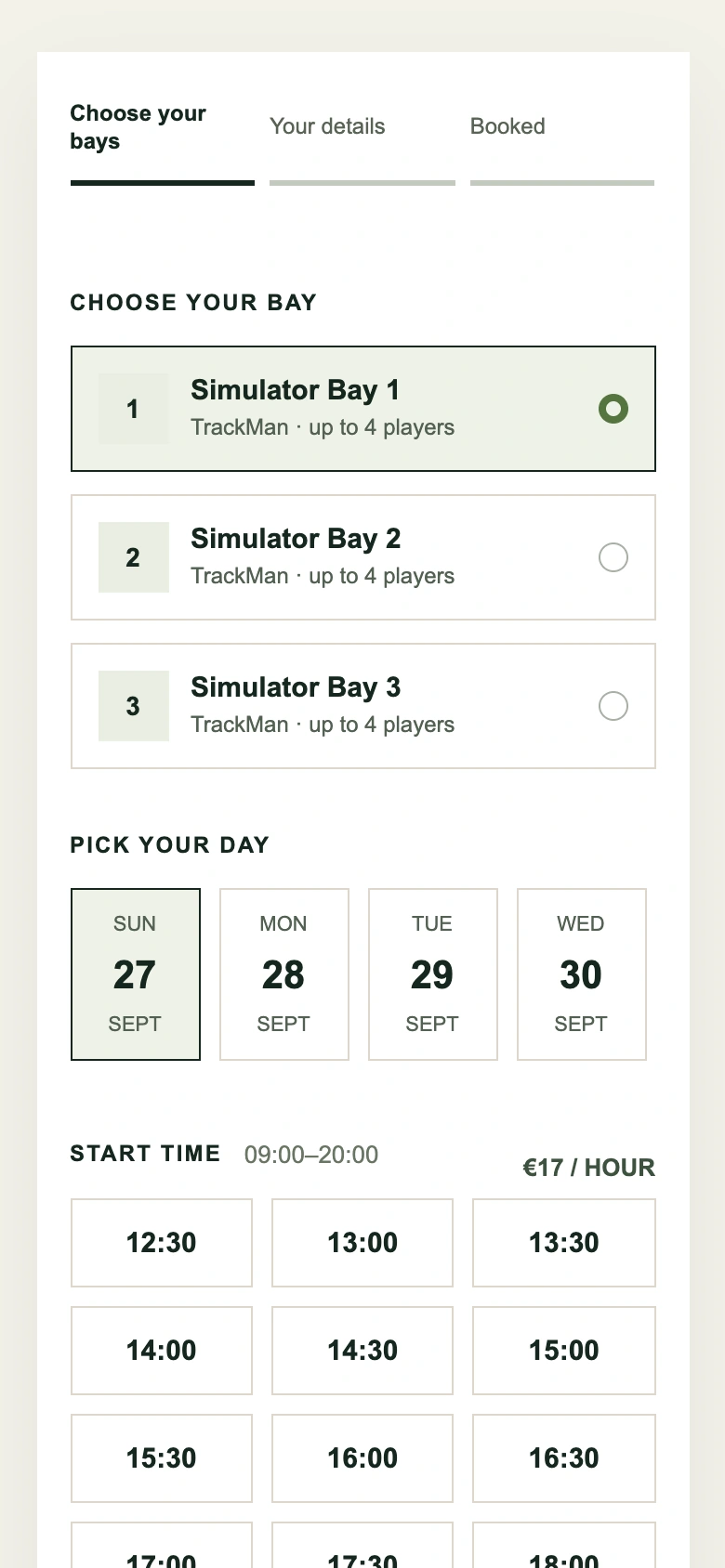
The visit starts with the round a group wants to play. Find a simulator bay, choose a day and tee time, set the session length and player count, then keep the booking moving through checkout. Lessons, leagues, camps, and gift cards belong to the same club.
Explore Gimme Golf ↗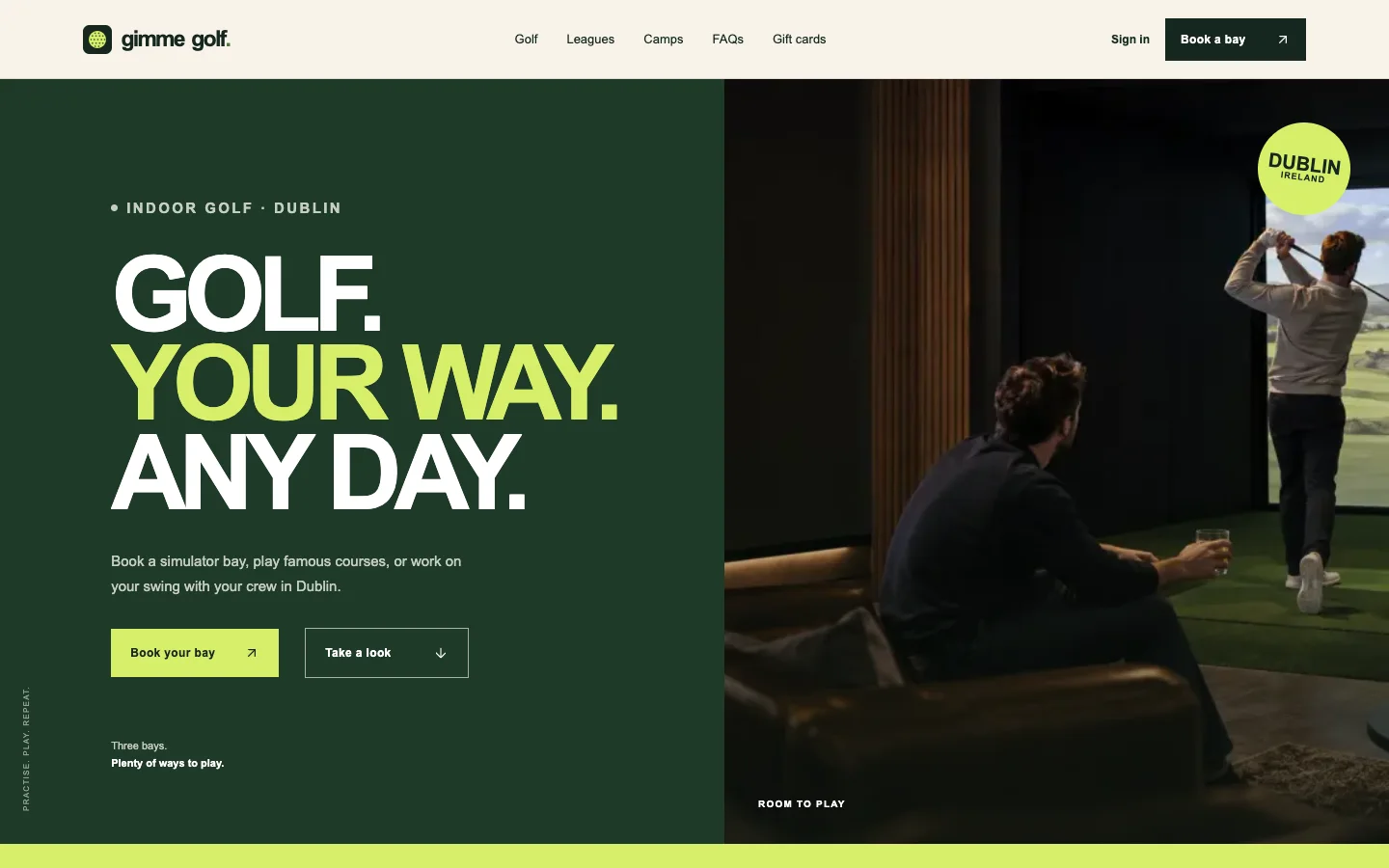
Bay, time, and group size in one booking.
Availability, session length, and price stay close to the choice of bay and tee time. Timed holds protect a selected slot while someone completes the reservation.
A cart can hold more than one session before checkout. Returning players can manage bookings through their account, and the platform can present the right experience for a casual round or a larger group.
A club is more than a booking.
The same visual system carries through to recurring play, junior camps, and gift cards. A league or camp gives players a reason to return; a gift card makes it easy to bring someone new.
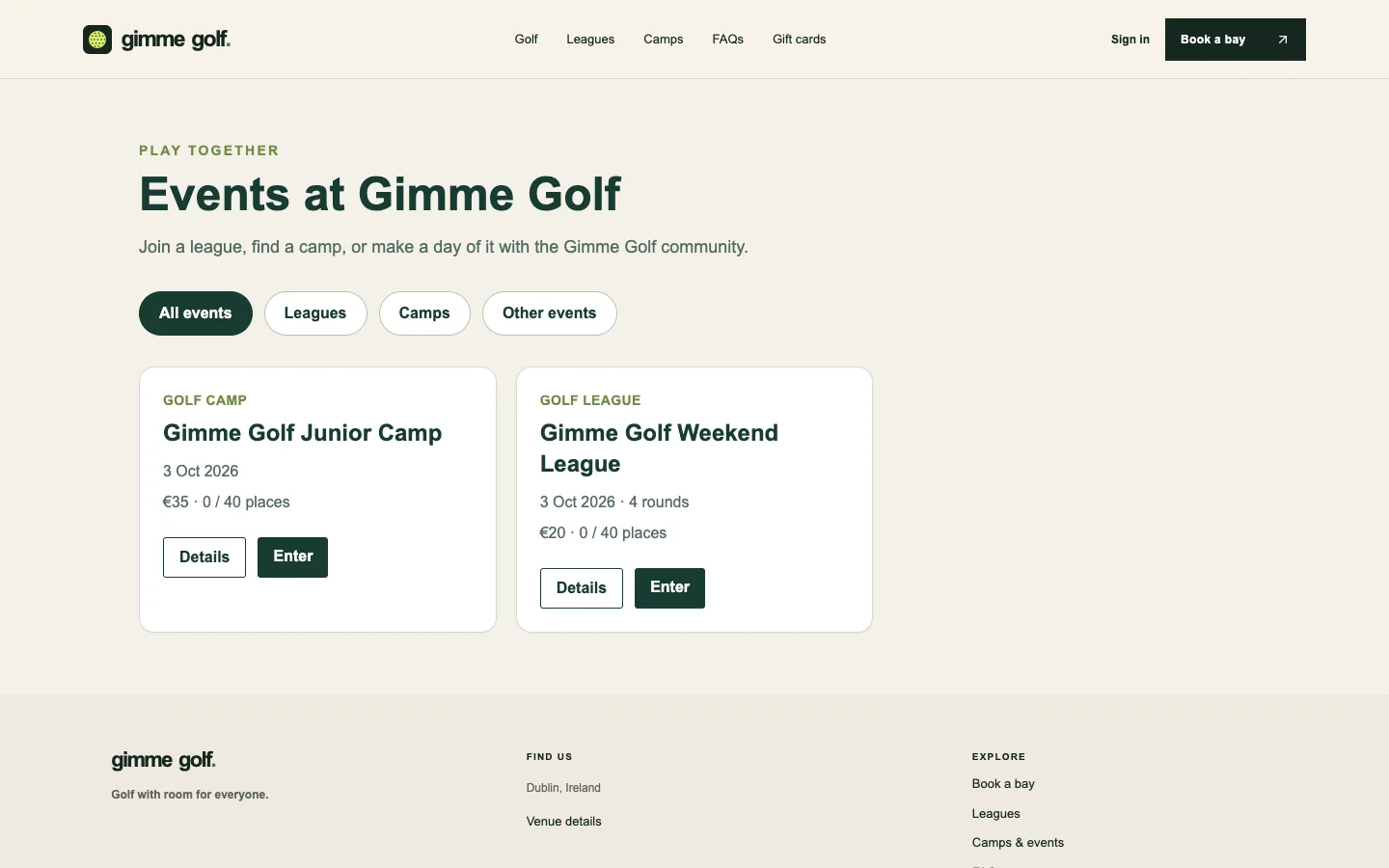
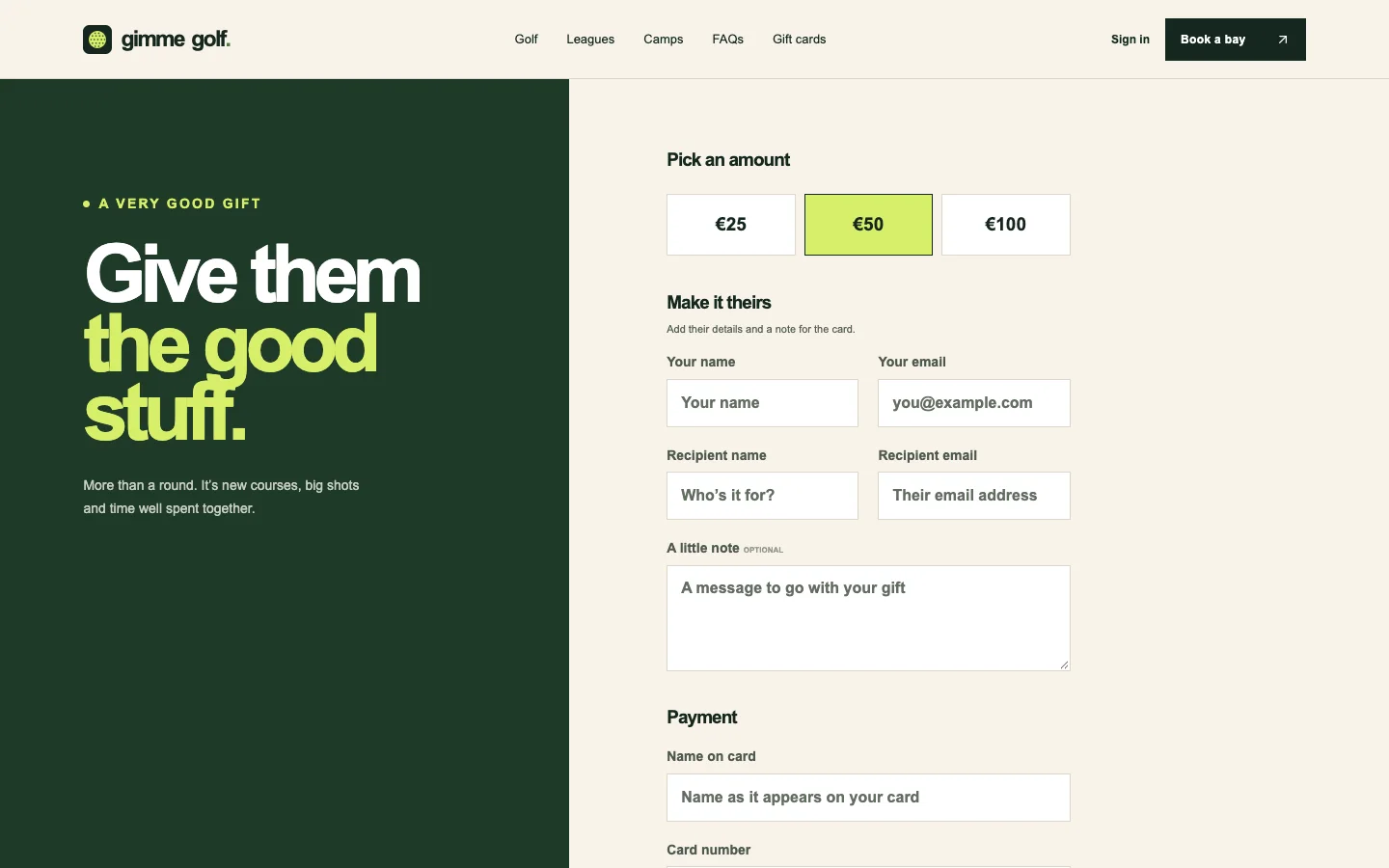
Content stays useful as the club grows.
Payload CMS models the site content, venues, bays, pricing, lessons, and events. The customer experience presents those choices while the booking service handles availability, holds, and reservations.
Explore Gimme Golf.
Choose a bay and tee time, then follow the booking through.